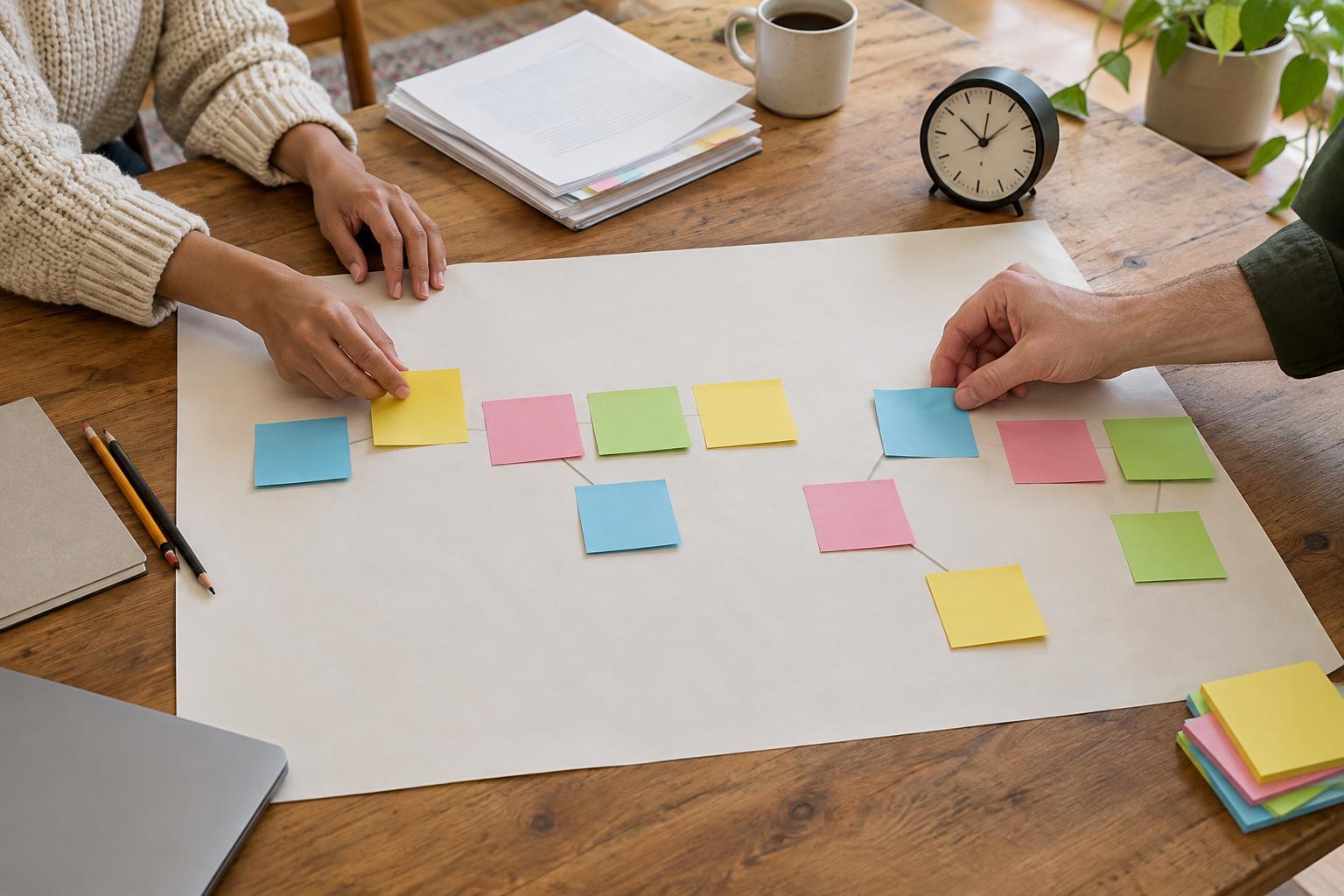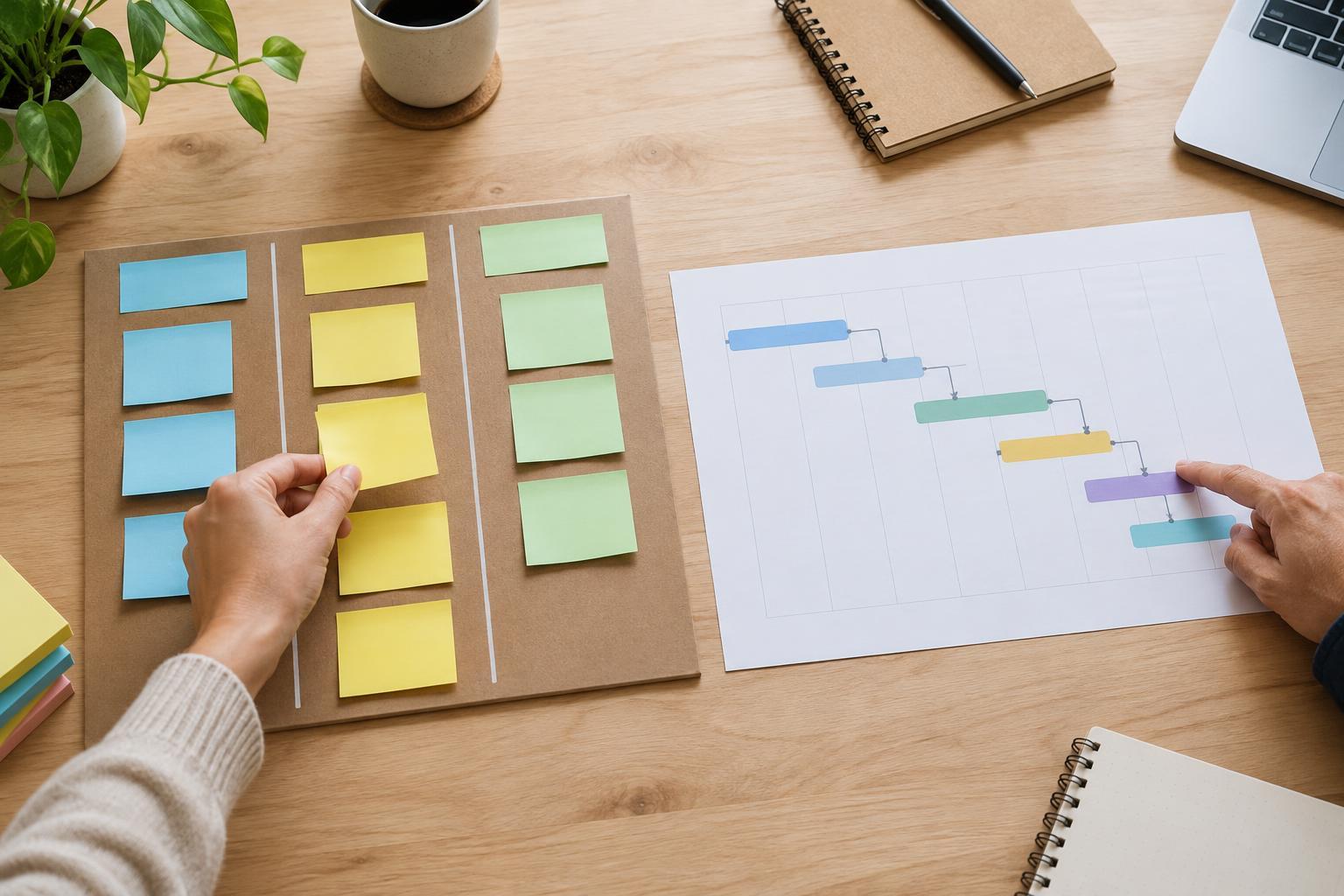
Two views of the same work
A Kanban board and a project timeline can contain the same tasks, but they answer different questions. A Kanban board shows the state of work: what has not started, what is in progress, what is waiting, and what is done. A timeline shows the order and timing of work: when tasks should start or finish and which deadlines matter.
Neither view is automatically better. A freelancer handling a steady stream of client requests may need to know what to work on next. A small team preparing a website launch may need to know whether design, approval, and testing can all finish before the agreed handoff. Start by identifying the question your team struggles to answer.
Use a Kanban board to manage a flow of tasks
A basic Kanban board has columns such as To do, In progress, Waiting, and Done. Each task appears as a card that moves across the board. At a glance, you can see how much work is underway and where it has stalled. This makes the board useful for recurring services, support requests, content production, and other work where new tasks arrive regularly.
For example, a two-person design studio could put each client request on a card. If several cards collect in Waiting, the team can check whether it needs client feedback, files, or an internal decision. If In progress is crowded, finishing existing tasks may be more useful than starting another one. The board supports that conversation without requiring a detailed schedule for every request.
A board is less helpful when timing is the main risk. A card marked In progress does not, by itself, show whether its deadline is tomorrow or next month. You can add due dates and priorities to cards, but if you repeatedly have to open them to understand the schedule, you may also need a timeline.
Use a timeline to plan dates and dependencies
A project timeline places work against dates or time periods. It helps you see whether a task must finish before another can begin, where review time fits, and how a change may affect a delivery date. It is particularly useful for projects with a defined finish, multiple handoffs, or commitments tied to specific dates.
Imagine a small team building a client website. The client must approve the page structure before the team finalizes page designs; those designs are needed before development and testing can finish. A timeline makes that sequence visible. It can also show why a delayed approval may require a new handoff plan rather than simply asking everyone to work faster.
Timelines have limits, too. If you assign precise dates to work that is still unclear, the plan may look more certain than it is. Updating every small task can also become a chore. For uncertain work, use broader phases or a short planning horizon, and revise the timeline when you learn more.
Choose the view that fits your decisions
Ask what you need to decide each week. If the question is “Which request should we finish next?” or “Where is work getting stuck?”, start with a Kanban board. If it is “Can we meet the handoff date?” or “What happens if this approval is late?”, start with a timeline. The number of tasks matters less than the decisions you need to make about them.
Also consider how often priorities change. A board is easy to rearrange as new requests arrive. A timeline is valuable when changes need to be evaluated against deadlines and dependencies. If your work includes both a steady stream of small requests and an occasional fixed-date project, you do not have to force them into one identical planning method.
Combine them without duplicating the work
For many small teams, the simplest approach is a lightweight timeline for major milestones and a Kanban board for day-to-day tasks. A team could put client approval, testing, and launch on the timeline, then use cards to manage the individual pieces of design and development. The two views should refer to the same work rather than becoming separate lists that someone must reconcile.
Keep the setup modest. Give each task a clear owner, record important due dates, and agree on what each board column means. Review the timeline when a milestone or dependency changes; review the board often enough to spot blocked work. If maintaining either view takes more effort than the decisions it supports, simplify it.
The most useful tool is the one that makes the next conversation clearer. Choose a board to manage movement, a timeline to manage timing, or both when your work genuinely requires both views.